3.3 Getting Ready for Class
If your instructor is using Posit.Cloud, follow these steps to get set up:
Step 1. Create an Account
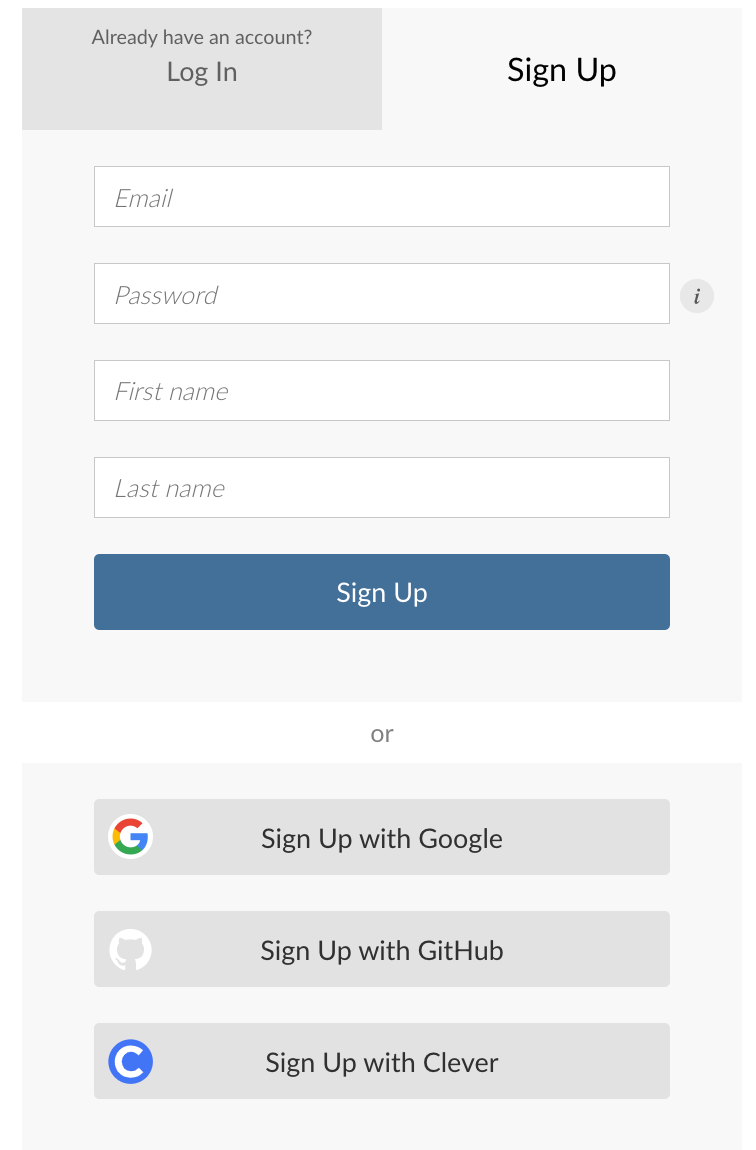
Posit.Cloud Sign-up Form
- Navigate to https://posit.cloud/plans/free and create a free account.
- Use your school email address — this makes it easier to join your class workspace.
- Verify your email if prompted.
3.3.1 Step 2. Join the Class Workspace
Posit.Cloud organizes projects into workspaces, which can be shared between users. If your instructor is on a Cloud Instructor plan, they can share a class workspace with you, giving you access to pre-configured projects and resources. Your instructor will provide instructions on how to join.