Chapter 1 Introduction to Posit.Cloud
1.1 What is Posit.Cloud
Posit.Cloud is an innovative web service designed to offer a browser-based experience that closely emulates RStudio, a popular integrated development environment (IDE) for R programming. This programming language, R, is widely utilized for statistical computing and creating graphics. Posit.Cloud can be accessed via https://posit.cloud/.
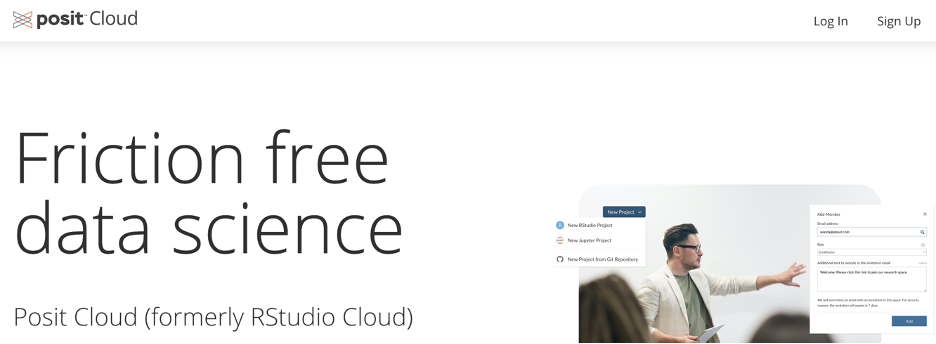
RStudio, which Posit Cloud models, is typically available in two formats. The first is RStudio Desktop, an application run directly from a user’s computer. The second is RStudio Server, which operates from a remote server and allows users to access RStudio through a web browser. RStudio Server is the basis for Posit.Cloud.
Posit Cloud primarily targets educational settings, providing a useful tool for faculty and students involved in coursework. The service isn’t designed for individual use or extensive research purposes; for these applications, a standalone installation of RStudio on a local system is usually more appropriate.
Posit Cloud provides extensive documentation to assist users with the platform, accessible directly from the Posit Cloud website (https://posit.cloud/learn/guide). This resource, along with other support channels, ensures users can readily find the information they need to maximize their use of the service.
Posit Cloud offers four distinct subscription plans for users:
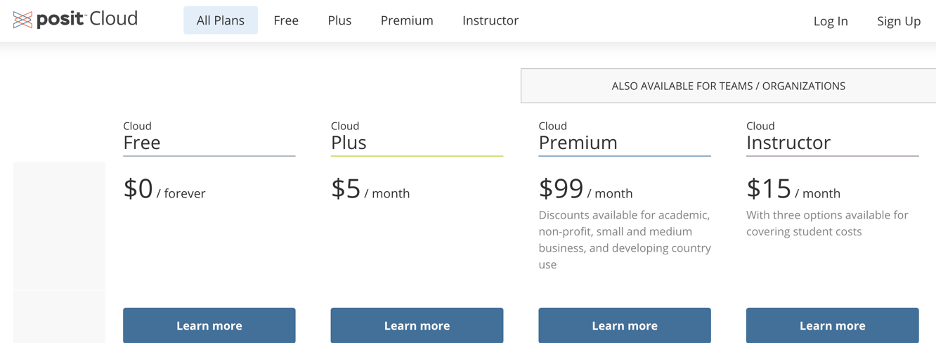
Cloud Free: This is a forever free plan. It includes access to 1 shared space (with member & project limits), 50 projects, 25 compute hours per month, a maximum of 1 GB RAM and 1 CPU, 1 hour max execution time, and 5 data connections. Concurrently, you can run up to 3 projects. However, this plan does not include online support, beta features access, or Single Sign-On (SSO) via SAML.
Cloud Plus: Priced at $5 per month, this plan also provides access to 1 shared space and 50 projects but includes 75 compute hours per month (with additional hours available at 10 cents per hour). The rest of the parameters are similar to the Cloud Free plan.
Cloud Premium: This plan is priced at $99 per month and offers unlimited shared spaces and projects. It comes with 200 compute hours included per month (additional hours are available at 10 cents per hour), 16 GB max RAM, 4 CPUs, 48 hours max execution time, and 30 data connections. Unlimited concurrent projects are allowed. It also includes online support, beta features access, and SSO via SAML for teams/organizations.
Cloud Instructor: Costing $15 per month, this plan is tailored for educators and offers similar specifications to the Cloud Premium plan but includes 300 compute hours per month. There are three options available for covering student costs, with unlimited hours with a fixed price per user plan also available.
This book will assume that the instructor has the Cloud Instructor plan; thus, the student will only need the Cloud Free plan.
1.2 Getting Ready for Class
To adequately prepare for your class, it’s essential to set up your Posit Cloud account. This process involves joining your class workgroup on the platform, enabling seamless collaboration and engagement with your classmates and instructor. This book is written with the assumption that your course instructor is using a Cloud Instructor Posit Cloud account. As such, your ideal starting point as a student would be to secure a Cloud Free plan. This plan provides the necessary features to participate in the class effectively, without any financial commitment. So, get started by setting up your account, join your class workgroup, and embark on your learning journey with Posit Cloud.
1.2.1 Step 1. Create an Account
Setting up a Posit.Cloud account on the Cloud Free plan is straightforward. Here are the steps:
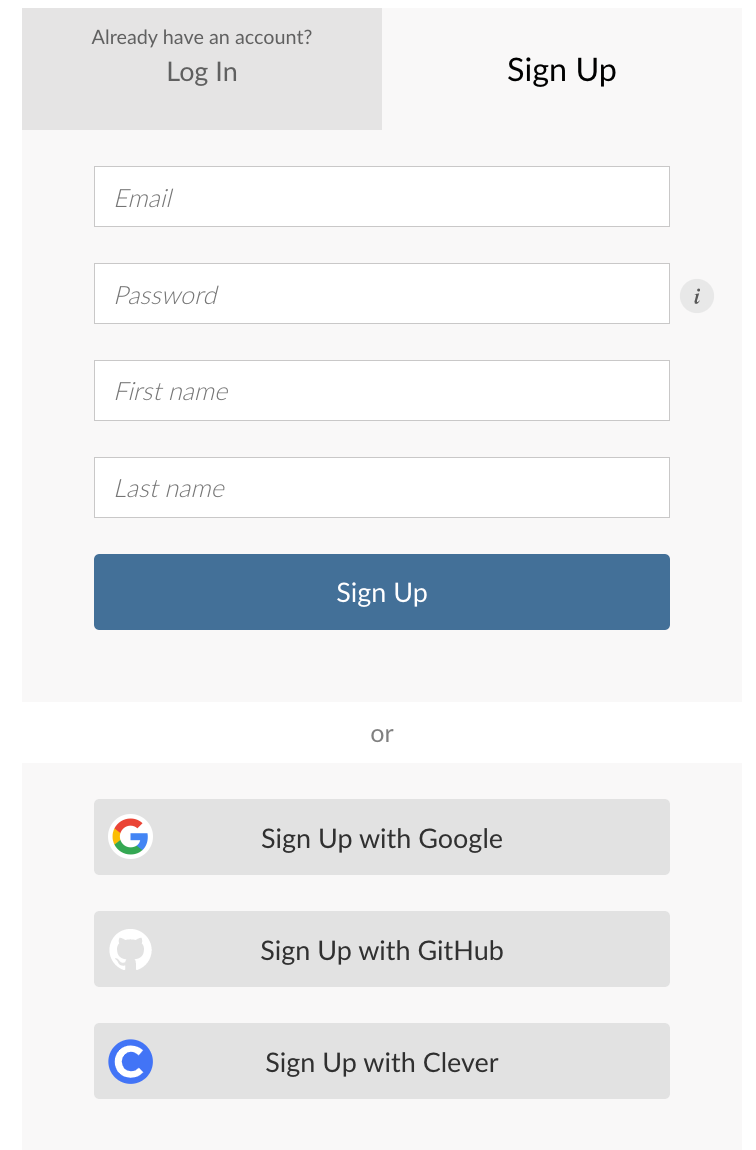
Navigate to the Posit Cloud Free plan sign-up page by clicking on the following link: https://posit.cloud/plans/free.
Once on the page, you’ll be prompted to fill out an account form.
When entering your email address, it’s recommended that you use your school email. This will make it easier to join your class workgroup later on, as your school email will likely be the identifier used to add you to the group.
After you’ve filled out the form with the necessary information, go ahead and submit it. You may be asked to verify your email address. If so, check your email (the one you just used to sign up) for a verification message from Posit Cloud. Follow the instructions in that email to verify your account.
Remember, it’s important to keep your login information secure, and make sure you’re the only one with access to your account to maintain your privacy and the integrity of your work.
1.2.2 Step 2. Join the Class Workspace
Posit.Cloud provides an innovative platform for organizing your projects into workspaces. One of the key features of workspaces is their shareability - a great tool for collaborative work! If your instructor is on a Cloud Instructor plan, they have the ability to share a class workspace with you. This means you gain access to all resources provided under the Cloud Instructor plan. Detailed instructions on how to join these class workspaces will be provided by your instructor.
1.3 Tour of RStudio
RStudio is an Integrated Development Environment (IDE) for R, a programming language for statistical computing and graphics. This section provides an overview of RStudio’s interface and basic functionality.
1.3.1 RStudio Layout
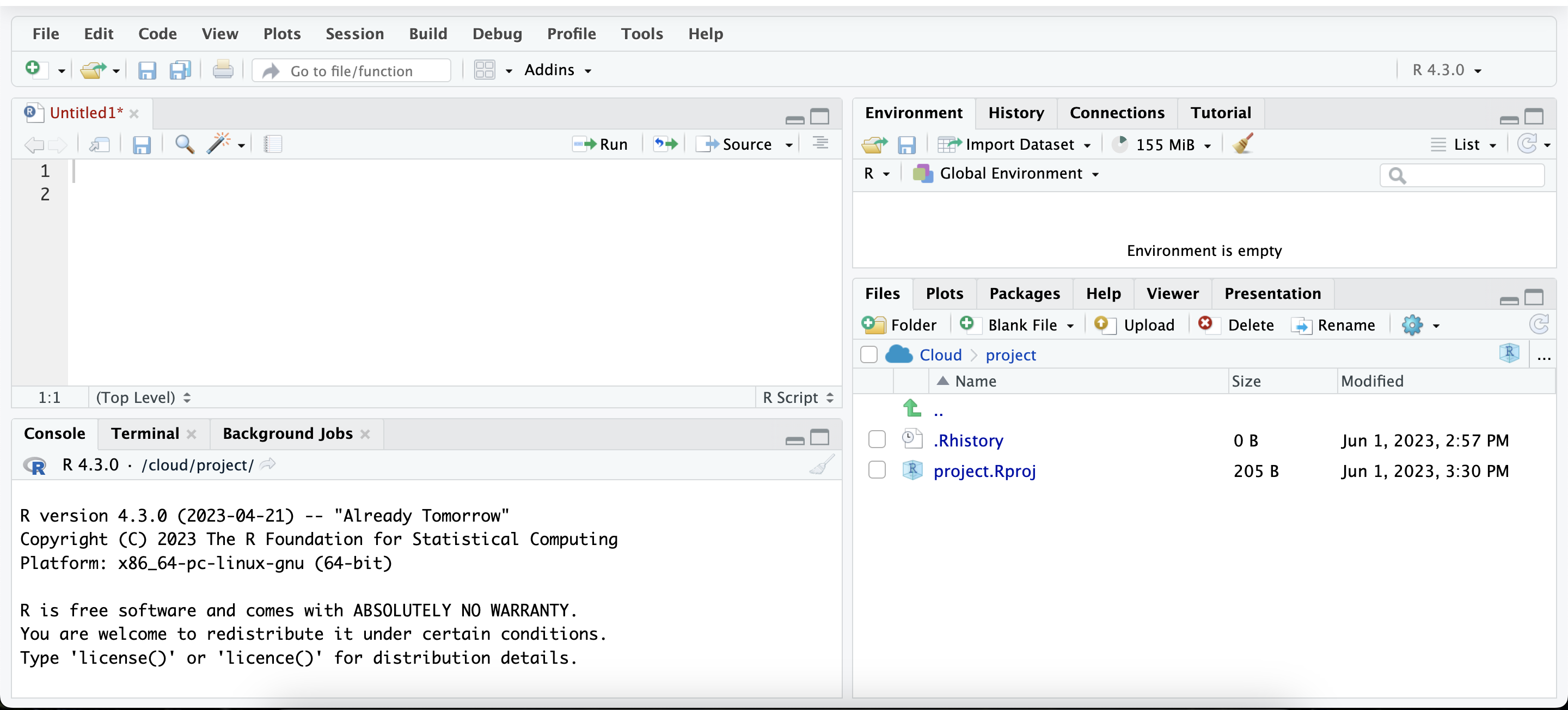
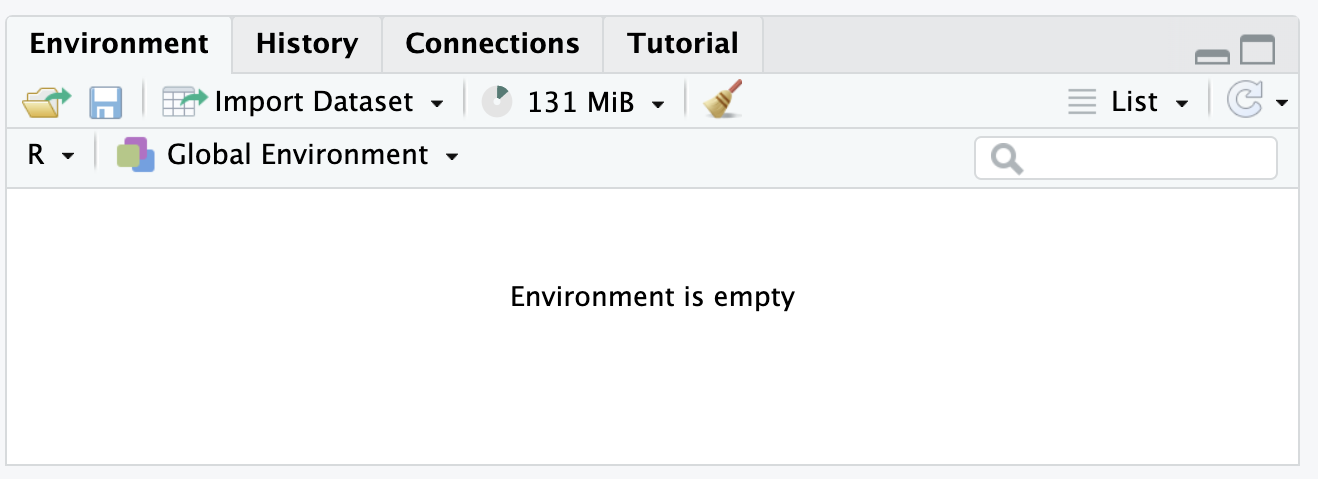
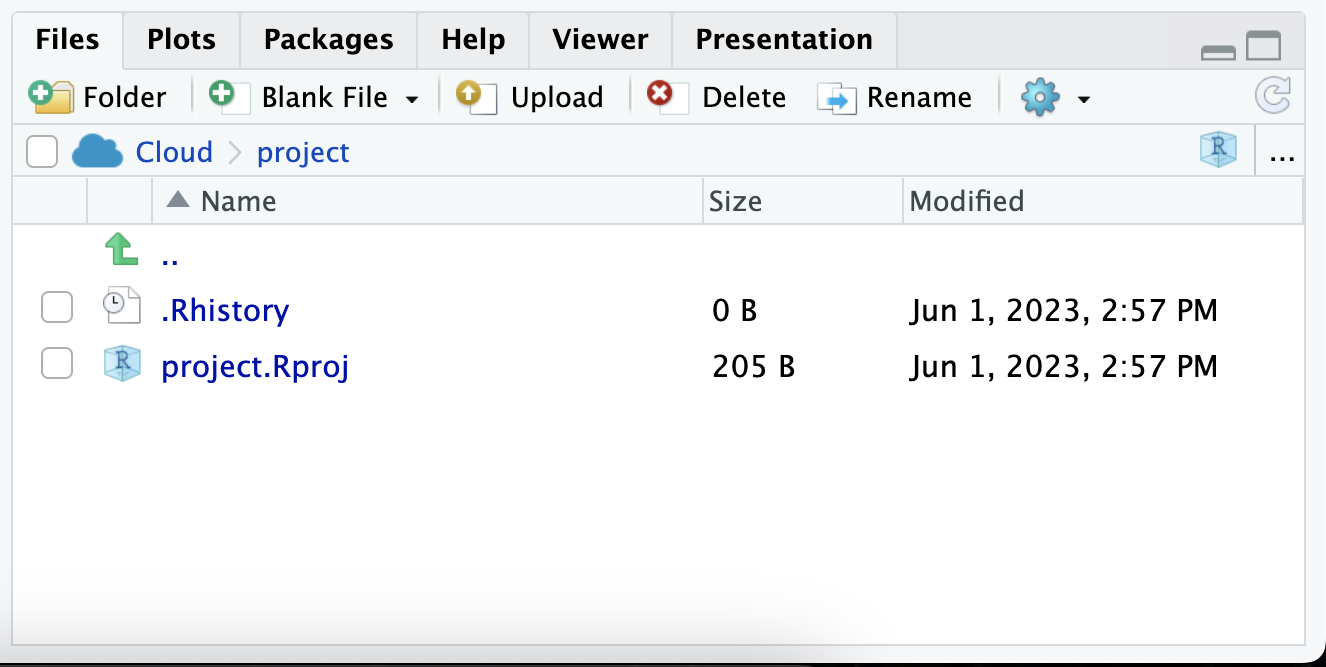
RStudio’s interface is divided into four main panels: the Source Panel, the Console Panel, the Environment/History Panel, and the Files/Plots/Packages/Help Panel.
1.3.1.1 Source Panel
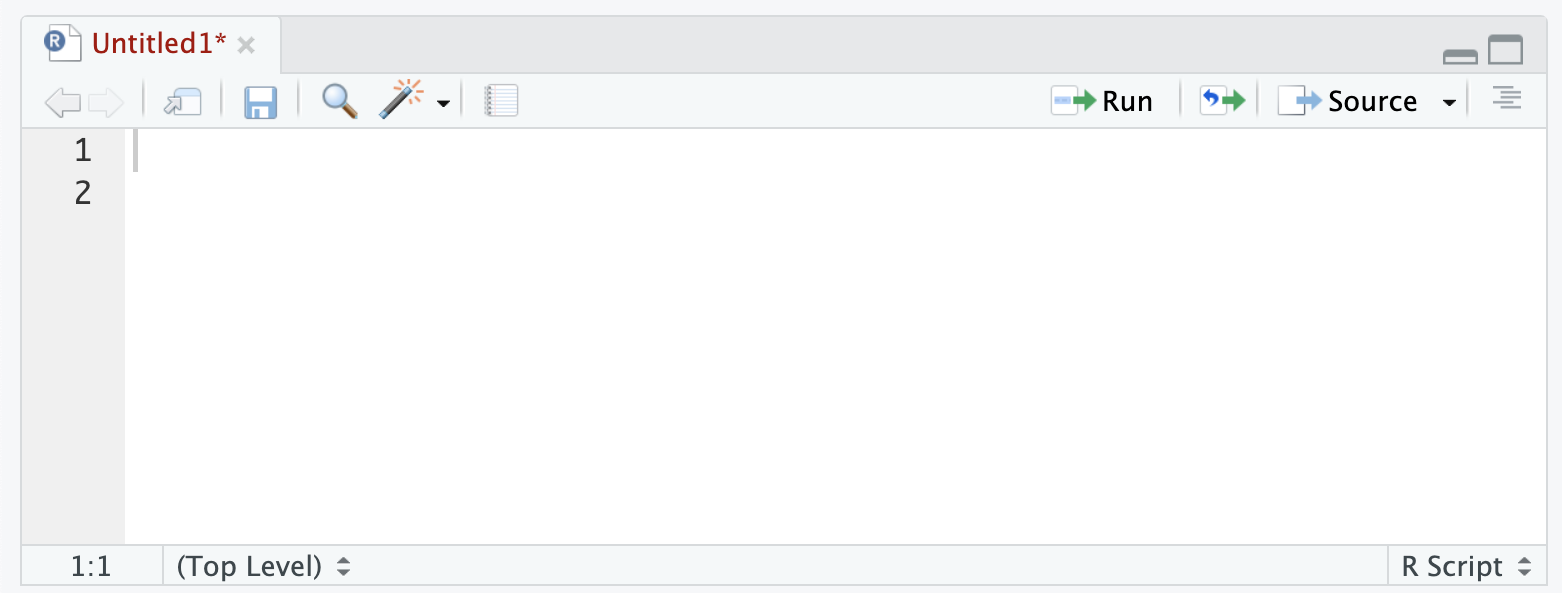
The top-left panel is the Source Panel, where R scripts, functions, and commands are written. New R scripts can be created via the menu options: File -> New File -> R Script.
1.3.1.2 Console Panel
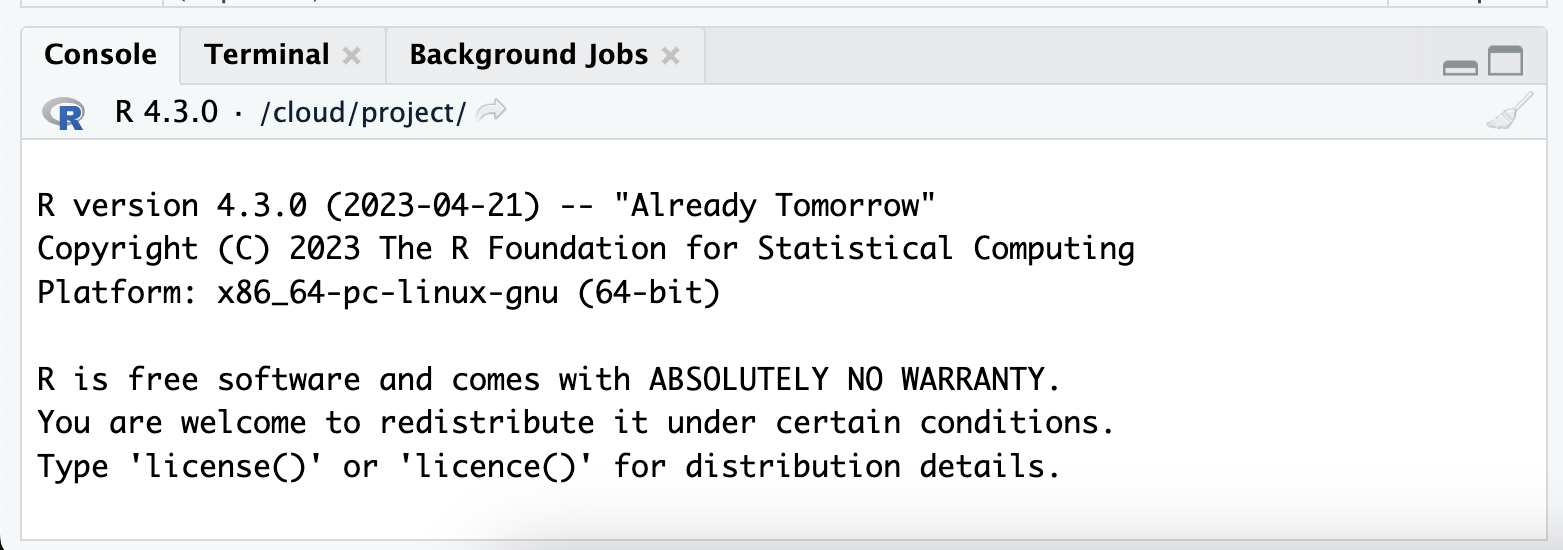
Below the Source Panel is the Console Panel, where R code is executed. Any command executed in the script or typed directly into the console will appear here along with its output.
1.3.2 Writing and Running R Code
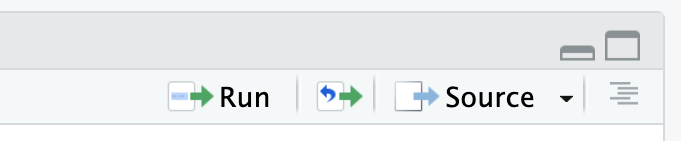
R scripts can be written in the Source Panel and executed in a few ways. To run the current line or selected lines, use Ctrl+Enter (or Cmd+Enter on a Mac) or click the “Run” button in the toolbar. To run the entire script, use the Source button in the toolbar.
1.4 Conclusion
In conclusion, the study of R and RStudio presents itself as an invaluable asset in the realm of Business Analytics. R’s extensive capabilities, coupled with the robust features of RStudio, provide a comprehensive toolkit to tackle intricate analytical problems, make sense of vast amounts of data, and communicate findings effectively. RStudio, in particular, elevates the user experience of working with R. It introduces features such as advanced debugging tools for streamlined error resolution, version control integration for effective collaboration and project management, and R Markdown support for the amalgamation of analysis and reporting. The value of R becomes increasingly evident with increased usage and exploration of RStudio’s wide array of capabilities. The integration of these skills will undoubtedly enhance your proficiency in Business Analytics, driving insights, facilitating informed decision-making, and ultimately adding value to your business. Learning R is not merely an investment in a skill, but a stride towards mastering the science and art of Business Analytics.