Overview
- In this lecture, we’ll explore the basics of:
- R: A powerful language for statistical computing.
- RStudio: An Integrated Development Environment (IDE) designed for R, enhancing its usability.
- Posit.Cloud: A web-based service that provides access to RStudio from any device.
1. Introduction to R
- What is R?
- A powerful programming language for statistical computing and graphics.
- Used widely in data analysis, statistical modeling, and business intelligence (BI).
- Why is R important?
- Open-source, widely adopted in both academia and industry.
- Supports advanced data analysis, visualization, and statistical modeling.
- Key Features of R:
- Highly flexible and extensible with thousands of packages.
- Supports reproducible research and integrates with other tools (e.g., Python, databases).
2. RStudio Overview
- What is RStudio?
- Integrated Development Environment (IDE) designed specifically for R.
- Simplifies data analysis, visualization, and model building.
- Key Features of RStudio:
- User-friendly interface for writing and running R scripts.
- Includes tools for managing data, visualizing results, and navigating R packages.
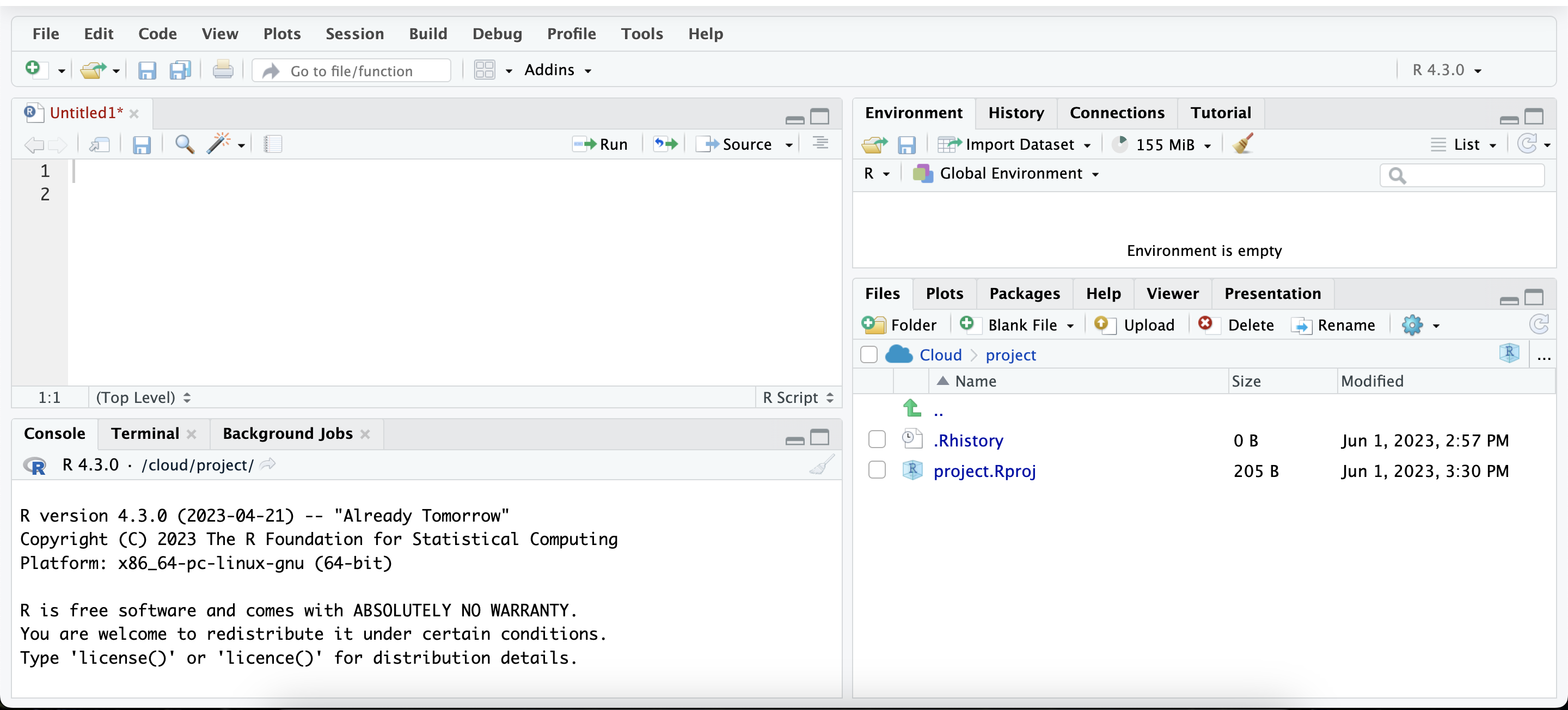
- RStudio Layout:
- Four main panels:
- Source Panel (Top-left): Where R scripts are written.
- Console Panel (Bottom-left): Where R code is executed.
- Environment/History Panel (Top-right): Lists objects in the workspace.
- Files/Plots/Packages/Help Panel (Bottom-right): Access to files, plots, packages, and documentation.
3. Posit.Cloud Overview
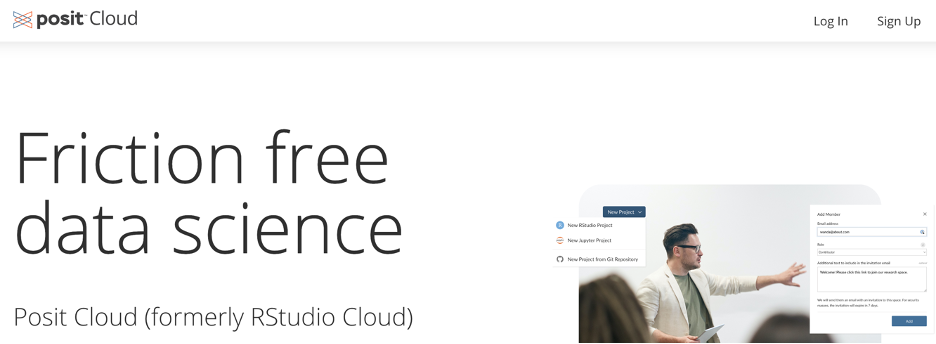
- What is Posit.Cloud?
- A web-based platform that allows you to run RStudio in a browser.
- Useful for educational purposes, particularly in courses where access to RStudio from any device is needed.
- Direct link: https://posit.cloud
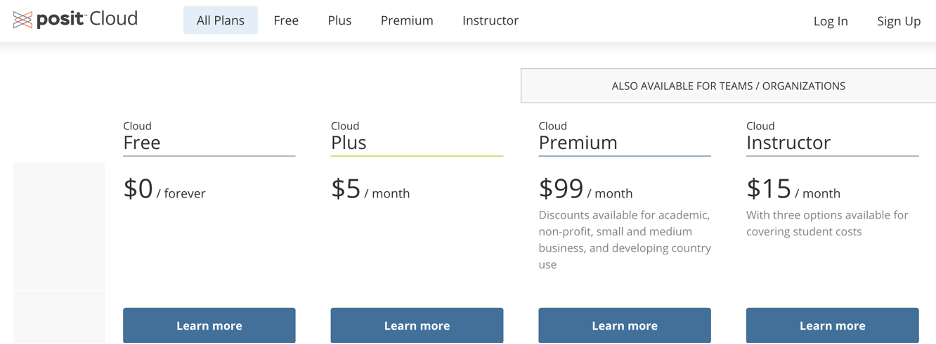
- Posit.Cloud Plans:
- Cloud Free:
- Free plan with limited compute hours and resources.
- Ideal for students in educational settings.
- Cloud Instructor:
- Tailored for educators with additional compute hours.
- Key Differences between Plans:
- Cloud Free offers limited resources (1GB RAM, 25 compute hours/month).
- Cloud Instructor offers enhanced features for educators (e.g., 300 compute hours/month, shared spaces for classes).
4. Why Posit.Cloud is Useful for Your Class
- For Students:
- Accessible from anywhere without needing to install RStudio locally.
- Easy to collaborate with classmates and instructors.
- For Instructors:
- Provides a collaborative environment for teaching R in courses.
- Instructors can manage class workspaces, ensuring students have access to all resources needed.
Key Takeaways
- You now understand the basics of R, RStudio, and Posit.Cloud.
- R is essential for statistical computing, and RStudio simplifies the workflow.
- Posit.Cloud allows you to run RStudio in a web-based environment, making it easier to work from anywhere.
Looking Forward
- In the next lecture, we’ll go over how to set up a Posit.Cloud account and join your class workspace, so you’re ready to start coding in R.